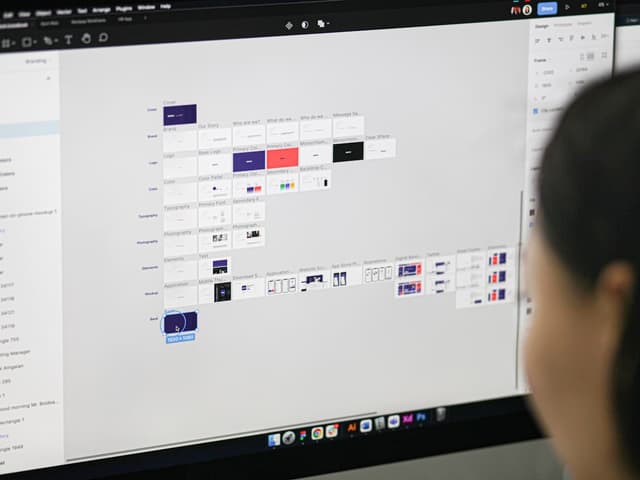
For the better part of a decade, the design-to-development handoff has been an exercise in translation. Designers speak in frames, auto-layout constraints, and visual styles; developers speak in DOM nodes, flexbox, and JSON data. We bridged this gap with redlines, export assets, and endless Jira tickets detailing how a button's padding was off by two pixels. But as of March 2026, that era is officially over.
With Figma's latest release, the platform has fundamentally shifted from a static design tool into a bidirectional, agentic development environment. By introducing full read/write AI agent support via their new Model Context Protocol (MCP) server, alongside native Git integrations and live code sync, Figma is actively dismantling the wall between design and code.
If your product team is still relying on manual handoffs and static CSS exports, you are already falling behind. Here is a deep dive into exactly what the March 2026 update entails, how the new MCP server actually works, and what you need to do to adapt your workflow today.
The Paradigm Shift: Figma's MCP Server Goes Read/Write
To understand the magnitude of this update, we first have to talk about the Model Context Protocol (MCP). MCP is an open-source standard that dictates how different AI agents and applications communicate and share context. Figma introduced their remote MCP server earlier, but it was largely a one-way street: AI tools could read your design context to help generate code, but they couldn't touch the canvas itself.
The March 2026 update changes everything by introducing the use_figma tool. This update grants AI agents full read/write access, allowing them to execute Plugin API JavaScript directly on your canvas.
What does this look like in practice? Let's say you are working in an agentic IDE like Cursor, Windsurf, or using Claude Code in your terminal. You notice your application is missing an empty state for a new dashboard widget. Instead of tabbing over to Figma, mocking it up, and handing it back to yourself, you can simply prompt your AI agent: "Create an empty state for the analytics widget in Figma using our existing design system components."
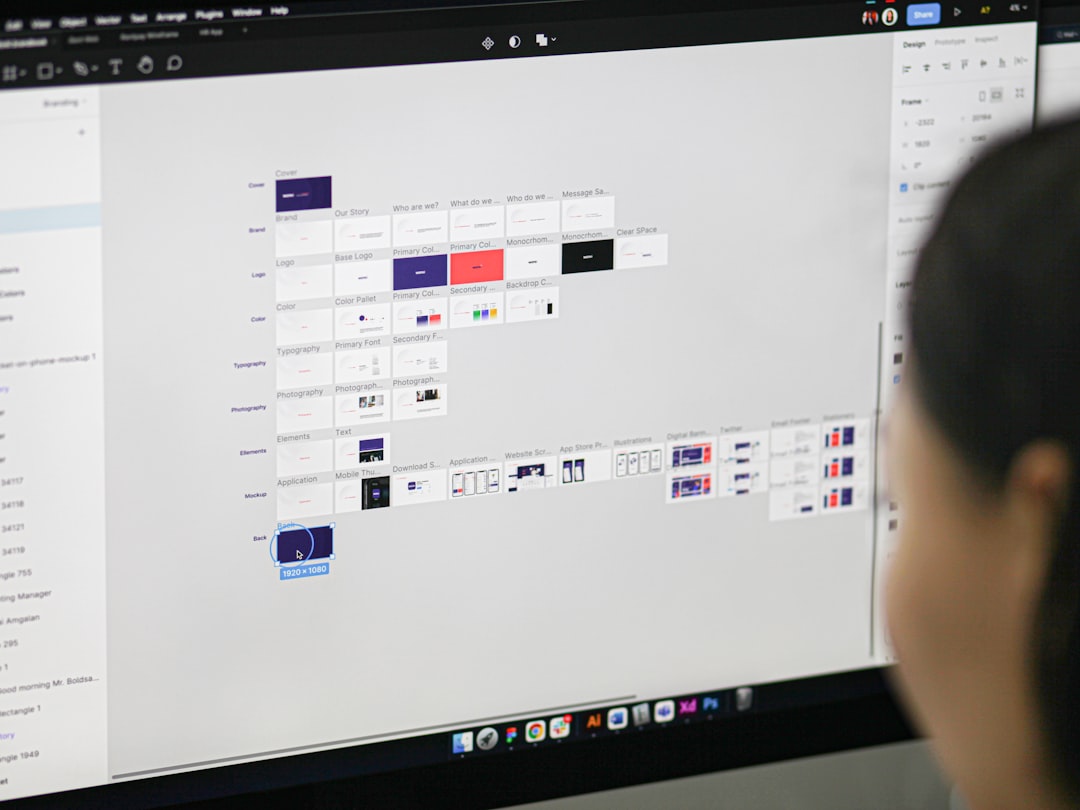
Because the agent has access to tools like search_design_system and get_variable_defs, it doesn't just draw random shapes. It reads your Figma library, identifies your standard empty state illustrations, applies your exact semantic spacing tokens, and renders native, editable Figma layers directly onto the canvas. The AI builds with what already exists, ensuring the output is a perfect reflection of your source of truth.
The 16 Tools Powering the Agentic Canvas
The current iteration of the Figma MCP server exposes 16 distinct tools to your AI clients. These are categorized into Read Design, Write Canvas, Design System, Code Connect, and Identity. A few of the most critical include:
generate_figma_design: This tool captures a live-rendered web UI and converts it into editable, native Figma layers. It doesn't just take a flat screenshot; it generates Frames, Auto Layouts, and Text nodes. If a developer tweaks a layout in the browser, they can push that exact structural change back into Figma.get_code_connect_map: This allows the agent to see exactly how your Figma components map to your React, Vue, or Swift codebase, ensuring that any new code generated perfectly aligns with your established component architecture.create_design_system_rules: Agents can now help govern your files, establishing and enforcing rules based on your existing token architecture.
Native Git Integration: The End of "Exporting"
While AI agents writing to the canvas is the flashy headline, the native Git integration and live code sync features are the quiet workhorses of the March 2026 update. For years, teams relied on third-party plugins like Tokens Studio or GitFig to sync variables with GitHub. Now, this bidirectional sync is becoming a first-class citizen.
Figma variables, Color Styles, and Text Styles can now be mapped directly to JSON files within your GitHub repositories. This means your design system is truly version-controlled.
Imagine this workflow: A senior designer decides that the primary interactive color needs to be slightly more accessible. They update the hex code in Figma's local variables. Instead of pinging a developer on Slack, Figma automatically detects the divergence from the main branch and allows the designer to open a Pull Request directly from the Figma UI.
The developer reviews the PR in GitHub, seeing a clean JSON diff showing the exact token change. They merge it, the CI/CD pipeline runs, and the new color is deployed to production. Conversely, if a developer updates a spacing token in the codebase, the Figma file will show a notification badge, allowing the design team to pull the latest changes with one click.
Design System Hygiene and the Role of Palettt
There is a catch to all of this automation: AI agents are incredibly literal. When an agent uses the MCP server to pull context from your files, it relies entirely on the logic and cleanliness of your variables. If your design system is a disorganized mess of hardcoded hex values, detached components, and inconsistent naming conventions, the AI agent will simply scale that technical debt faster than a human ever could.
Before you let an AI agent loose on your canvas, your foundational tokens need to be bulletproof. This is particularly true for color, which is notoriously difficult to manage across different themes, accessibility standards, and display profiles.
This is exactly where a professional color platform like Palettt becomes a non-negotiable part of your modern stack. Instead of manually tweaking hex codes and hoping they pass WCAG contrast ratios, Palettt allows you to generate, harmonize, and test mathematically sound color palettes.
By refining your color architecture in Palettt before syncing it to your Figma variables, you ensure that when an AI agent calls get_variable_defs, it is pulling from a pristine, accessible foundation. When the AI generates a new component, it will use your Palettt-generated semantic tokens (e.g., color-surface-brand-hover) rather than injecting a random, inaccessible blue it hallucinated. In the age of agentic design, the quality of your inputs dictates the quality of your automated outputs.
The Economics of Agentic Design: March 2026 Monetization
It's important to note that this level of integration isn't just a technical experiment for Figma; it is a core business strategy. Alongside these technical updates, March 2026 marks the beginning of Figma's AI credit monetization model.
During the initial beta periods, these AI features were largely free. Now, Figma is enforcing AI credit limits, transitioning to a hybrid seat-plus-credit pricing model. Generating complex UI, utilizing Figma Make's prompt-to-app features, or running heavy agentic tasks via the MCP server consumes credits—with premium models like Claude Opus requiring higher expenditure.
According to recent industry reports, 75% of enterprise customers were already consuming AI credits weekly before this monetization enforcement. This proves that the market is ready and willing to pay for this efficiency. However, it also means that product teams need to be strategic. You don't want to waste paid AI credits having an agent fix sloppy design system errors that should have been standardized from the start.

An Actionable Playbook for Product Teams
The lines between design tools and development environments haven't just blurred; they've been erased. Figma's State of the Designer 2026 report indicates that 91% of designers say AI improves their work, and 89% report working significantly faster. To ensure your team is part of that majority, here are the immediate steps you should take:
1. Set Up the Remote MCP Server
If you are using an agentic IDE like Cursor or Claude Code, install the Figma MCP server today. Figma strongly recommends using the Remote MCP server rather than the desktop version, as it connects directly to Figma's hosted endpoints and provides the broadest set of features and the latest skills. Ensure your developers authenticate their clients so they can start pulling real design context into their prompts.
2. Implement Code Connect
The MCP server works exponentially better when your codebase is explicitly linked to your design files. Set up Figma Code Connect. This acts as the bridge connecting your component codebase to Figma's Dev Mode. When your AI agent generates code, Code Connect ensures it references your actual React or Vue components rather than hallucinating raw HTML and CSS.
3. Audit and Lock Down Your Variables
As mentioned earlier, AI relies on your existing tokens. Conduct a comprehensive audit of your Figma variables. Remove hardcoded values, establish clear semantic naming conventions (e.g., spacing-md, color-text-primary), and use tools like Palettt to ensure your color scales are accessible and mathematically consistent. Lock these variables down so that agents treat them as immutable laws of your design system.
4. Adopt a Branching Strategy for Design
With native Git integrations, designers need to start thinking like developers. Stop making destructive changes to the main Figma file. Adopt a branching strategy where new feature designs are done on a branch, reviewed, and then merged. This protects your source of truth and ensures that the JSON payloads being synced to your GitHub repository are always stable and production-ready.
Conclusion
Figma's March 2026 update is a watershed moment for product development. By opening up the canvas to AI agents via the MCP server and cementing the connection to codebases via Git sync, the concept of a "handoff" is becoming obsolete. We are moving toward a continuous, synchronized loop where design and development happen concurrently, informed by the exact same centralized logic.
The tools are here. The only question is how quickly your team will adapt to use them. Start by cleaning up your design systems, integrating your repositories, and letting the AI handle the translation layer so you can get back to what actually matters: solving complex user problems.