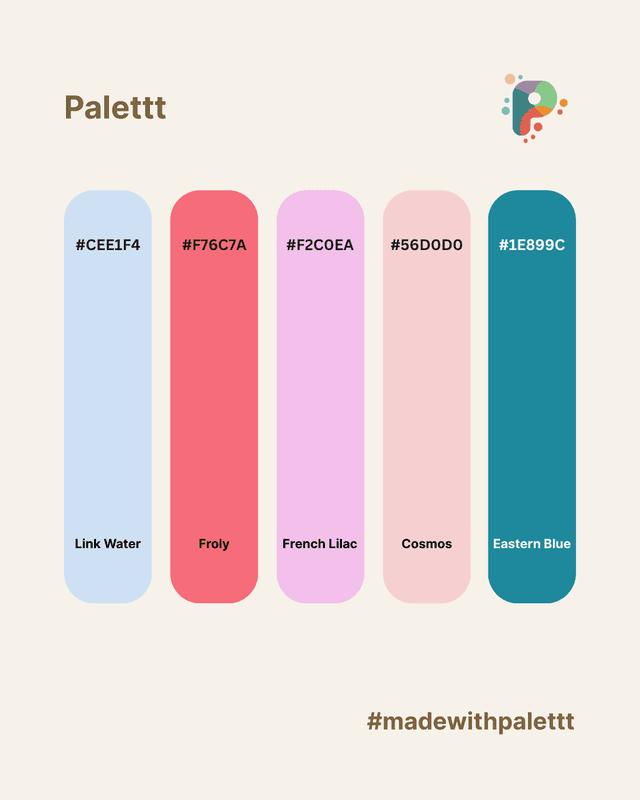
In the bustling marketplace of mobile apps, first impressions are everything. While functionality is key, it's often the visual appeal—especially the color palette for apps—that truly captures a user's attention and keeps them engaged. A well-chosen mobile app color palette doesn't just look good; it communicates your brand's personality, guides user interaction, and evokes the right emotions.
Ready to transform your app from bland to brilliant? Let's dive into five essential UI color design tips that will make your app stand out and create a delightful user experience. These app design tips are perfect for UI/UX designers, developers, and startup founders looking to make an impact!
1. Define Your Dominant Brand Color and Own It
Every memorable app has a signature color. Think about Spotify's vibrant green, Facebook's dependable blue, or Instagram's playful gradient. This isn't just a random choice; it's a strategic decision that forms the core of your UI/UX color combinations and overall brand identity. Your dominant color should:
- Reflect Your Brand's Personality: Is your app fun and energetic (like orange or yellow)? Trustworthy and professional (blue)? Calm and natural (green)?
- Be Recognizable: It should be the color users instantly associate with your app, even before they see your logo.
- Guide User Focus: This color will be prominently featured on key elements like primary calls-to-action (CTAs), main navigation icons, and brand accents.
Once chosen, use this color consistently but thoughtfully. It's the anchor of your color palette for apps, around which all other colors will revolve. Avoid diluting its impact by using too many competing primary colors.
2. Master Contrast for Optimal Readability and Hierarchy
A beautiful mobile app color palette means nothing if users can't read the text or distinguish interactive elements. Strategic use of contrast is a non-negotiable UI color design principle. High contrast ensures legibility, establishes visual hierarchy, and directs user attention.
- Text vs. Background: Always ensure sufficient contrast for text, especially smaller fonts. Use online contrast checkers to verify your combinations meet accessibility standards (more on this next!).
- Interactive Elements: Buttons, links, and selectable items should stand out clearly from static content. Your accent color is perfect for this.
- Visual Hierarchy: Use varying levels of contrast to guide the user's eye. High-contrast elements demand immediate attention, while lower-contrast elements can be used for secondary information.
Don't be afraid of using black, white, and various shades of gray. These neutrals are your best friends for creating strong contrasts and clean layouts, allowing your accent colors to truly pop without overwhelming the user.
3. Always Design with Accessibility in Mind
Accessibility isn't just a compliance checkbox; it's about inclusive design. A truly effective color palette for apps serves all users, including those with visual impairments like color blindness. Ignoring accessibility is a major misstep in app design tips.
- WCAG Contrast Ratios: Aim for WCAG (Web Content Accessibility Guidelines) AA or AAA compliance for text and interactive elements. Tools like WebAIM Contrast Checker can help you test your UI/UX color combinations.
- Don't Rely Solely on Color: Never use color as the only means to convey information. For example, instead of just making an error message red, also include an icon (like an "X" or exclamation mark) or bold text.
- Test with Color Blindness Simulators: Many design tools and browser extensions allow you to simulate different types of color blindness. This helps you identify potential issues before deployment.
By prioritizing accessibility, you not only make your app usable for a wider audience but also improve the overall clarity and robustness of your UI color design for everyone.
4. Less is More: Limit Your Palette to 3-5 Core Colors
It's tempting to use a rainbow of colors, but a restricted mobile app color palette is almost always more effective. Too many colors lead to visual clutter, confusion, and a lack of clear brand identity. A concise palette ensures harmony and focus.
- Primary/Brand Color: Your dominant color (60% of your usage).
- Secondary/Accent Color: Used for important interactive elements or highlights (10% of your usage). This is where your app can show a bit of flair.
- Neutral Colors: Various shades of black, white, and gray (30% of your usage). These provide the foundation for text, backgrounds, and separation.
- Semantic Colors (Optional): Specific colors for states like success (green), error (red), or warning (yellow/orange). These should be used sparingly and consistently.
By sticking to a tight set of UI/UX color combinations, you create a cohesive and professional look that is easier for users to navigate and remember. Leverage tints and shades of your core colors to add variety without introducing new hues.
5. Test Your Colors in Both Light and Dark Modes
Dark mode is no longer a niche feature; it's a user expectation. A successful color palette for apps must look equally stunning and remain functional in both light and dark environments. What works well in one mode might completely fall apart in the other.
- Inverted Logic: Dark mode isn't just "white text on black background." Colors often need to be desaturated or lightened slightly in dark mode to prevent them from vibrating or appearing too intense against a dark backdrop.
- Maintain Brand Consistency: While colors will adapt, the overall emotional and brand feel should remain consistent across both modes.
- Test All States: Ensure that interactive states (hover, pressed, selected) are clearly visible and distinct in both light and dark themes.
Designing for both modes from the outset saves time and ensures a seamless, modern user experience. It's a crucial consideration for any contemporary app design tips guide.
Conclusion: Paint Your App's Success with Purposeful Color
A truly "popping" color palette for apps is more than just aesthetics—it's a critical element of intuitive and engaging UI color design. By defining a dominant brand color, mastering contrast, prioritizing accessibility, limiting your palette, and designing for both light and dark modes, you're not just making your app look good; you're making it functional, memorable, and user-friendly.
🌈 Ready to craft your perfect mobile app color palette? Start exploring amazing UI/UX color combinations at palettt.com